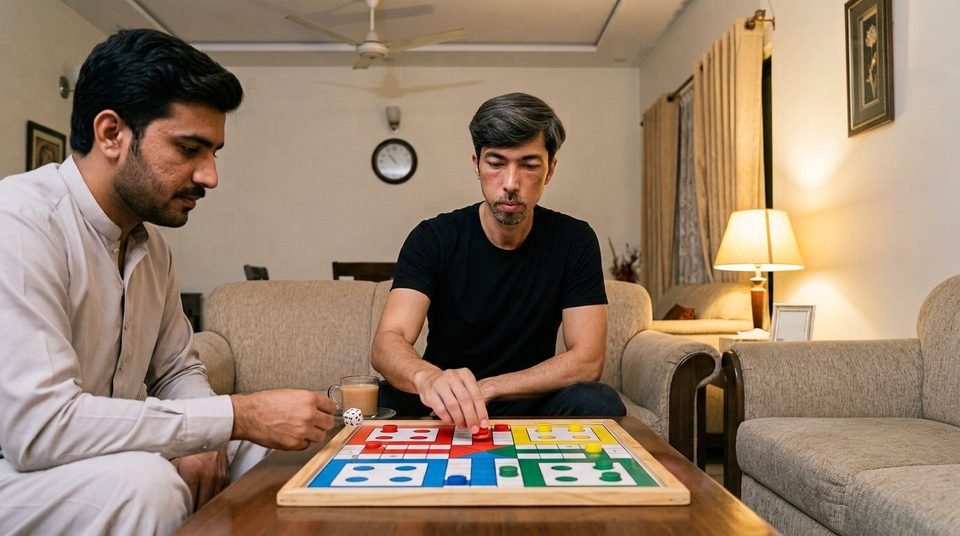
Ludo Championship Pro game

Ludo Championship Pro

All games
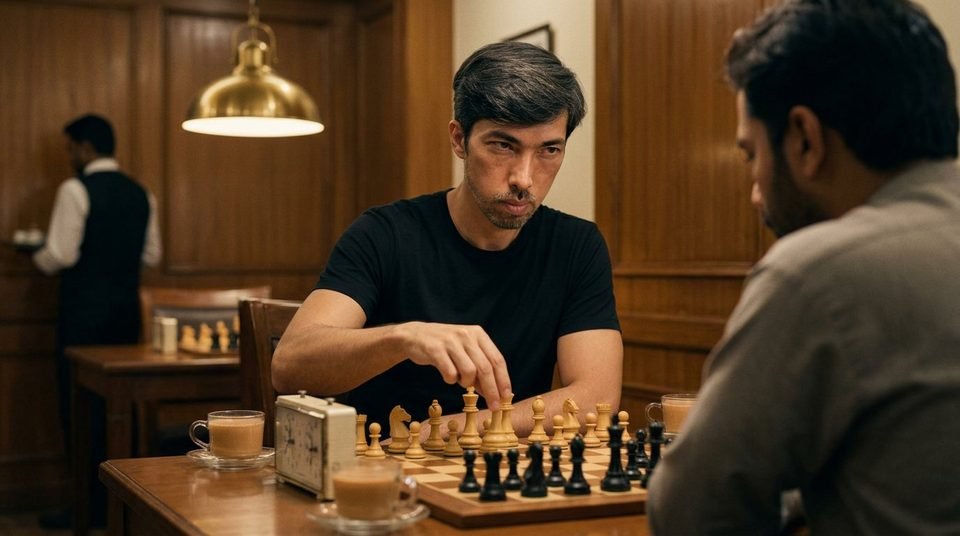
Grandmaster Chess game

Grandmaster Chess

Board
Master Cue 3D game

Master Cue 3D

Sports
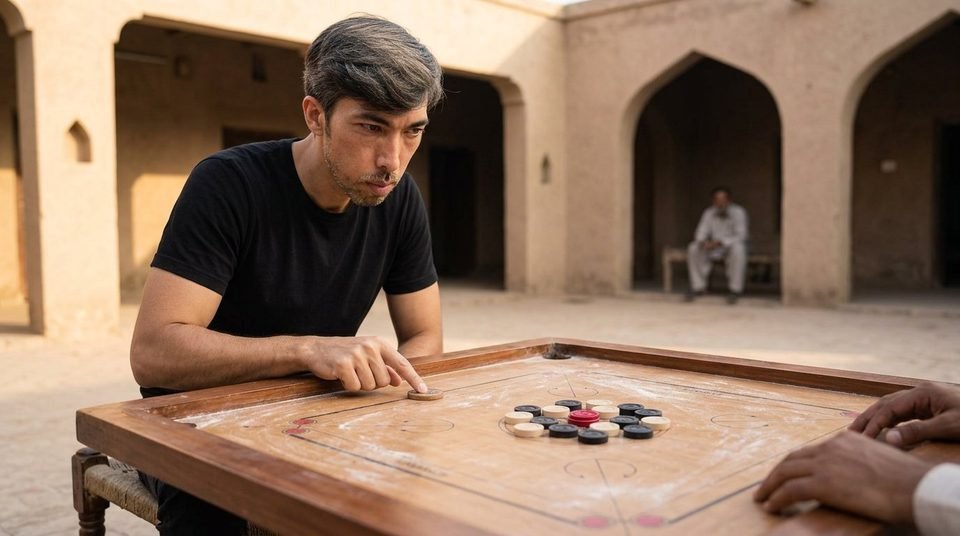
Carrom Board Pro game

Carrom Board Pro

Board
Sprint Race 3D game

Sprint Race 3D

Racing
Free Kick Master game

Free Kick Master

Sports

Free Browser Games on MKM Games

MKM Games is a browser game collection you can open and play right away. Every title runs inside the browser itself, so there is nothing to install: no app, no APK file and no plugin. Pick a game from the grid, press play, and it loads on the same screen.

The catalogue covers board and sports titles. Ludo Championship Pro, Carrom Board Pro and Grandmaster Chess are board games with short rounds and simple rules. Master Cue 3D puts a full snooker table on the screen, while Sprint Race 3D and Free Kick Master are action games built around timing and aim. Every game page has a share button, so a link can be sent to a friend in one tap.

All games are built for desktop and mobile. The layout adjusts to the screen size, the controls respond to touch on a phone, and a fullscreen button hides everything except the game area. Pages load with lazy images and a light script, so a game opens quickly on a slow connection too.

No account is needed and there is no payment step. Open the site, choose a game, and play. New titles are added to the grid as they are finished, and the newest one is shown at the top of the page.

FAQ

Do I need to download anything?
No. Every game runs in the browser, so nothing is installed on your phone or computer.
Are the games free?
Yes. All games on MKM Games are free to play and there is no payment step anywhere on the site.
Do I need an account to play?
No account is needed. Open a game page and press play.
Do the games work on mobile?
Yes. The layout adjusts to the screen size and the controls respond to touch. The fullscreen button hides the rest of the page on a phone.
Which browsers are supported?
Any modern browser with JavaScript enabled, such as Chrome, Firefox, Edge or Safari. Keep the browser updated for the best result.
How do I share a game?
Open the game page and press the Share game button. The link is copied and can be sent to a friend.
Can I play in fullscreen?
Yes. The Fullscreen button sits next to the Share button on every game page. Press it again or hit Escape to return.
Is my progress saved?
There is no profile on MKM Games, so nothing is stored between visits. Reloading the page starts a new round.
What do the categories mean?
Board covers ludo, chess and carrom. Sports covers snooker and football. Racing covers the track games. Use the search box to jump to a title.
How often are new games added?
New titles are added to the grid as they are finished. The newest game is shown in the large panel at the top of the page.